
Appearance
Quick orders and held orders
Open Quick order when no table assignment is needed. Select dine-in or takeaway at the top, check the guest count and add items as described in Table orders.
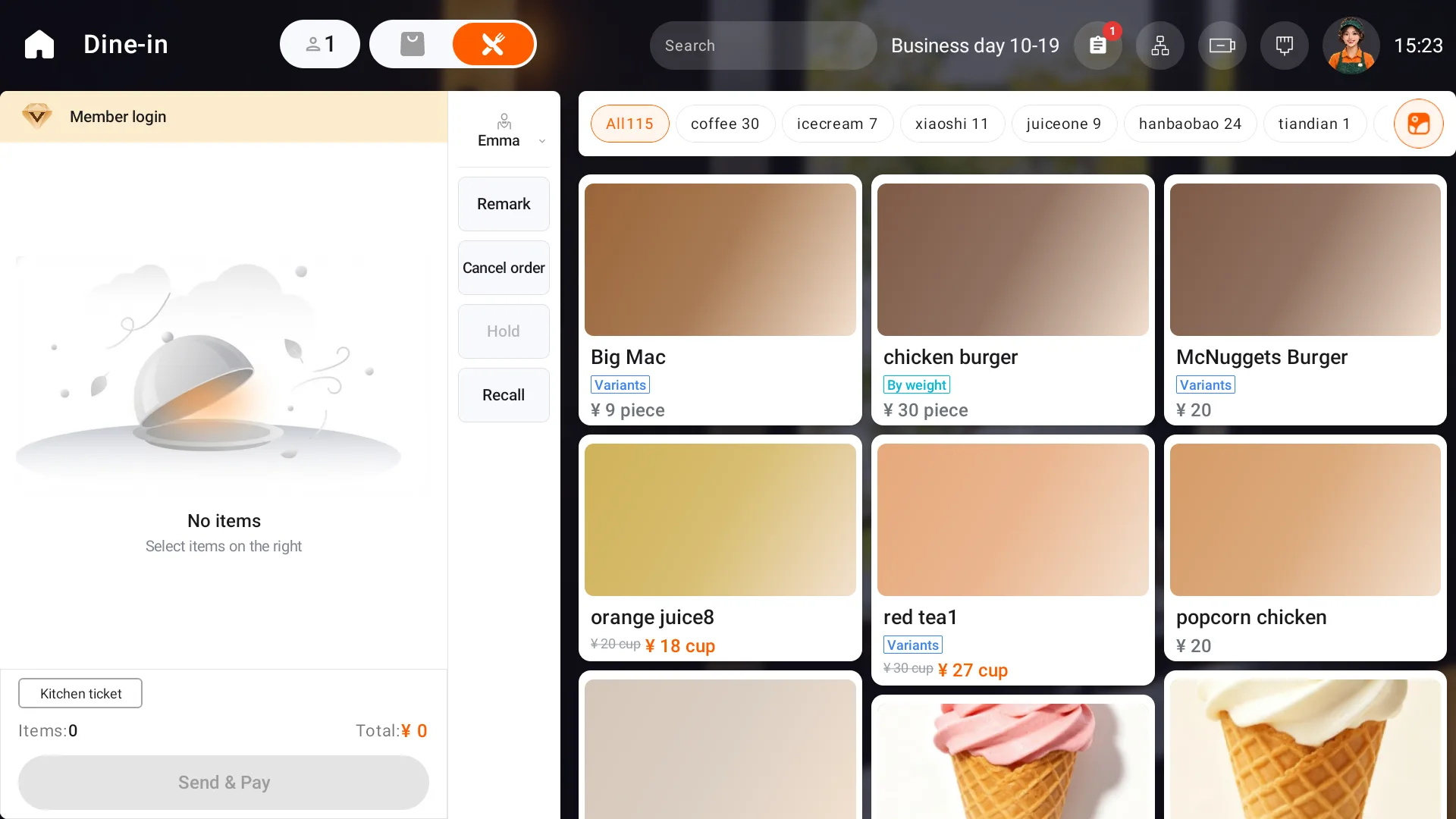
Submit or hold the order
After checking the basket, use Send & Pay. To return to it later, use Hold in the side toolbar. The app saves the order and returns to the home screen.
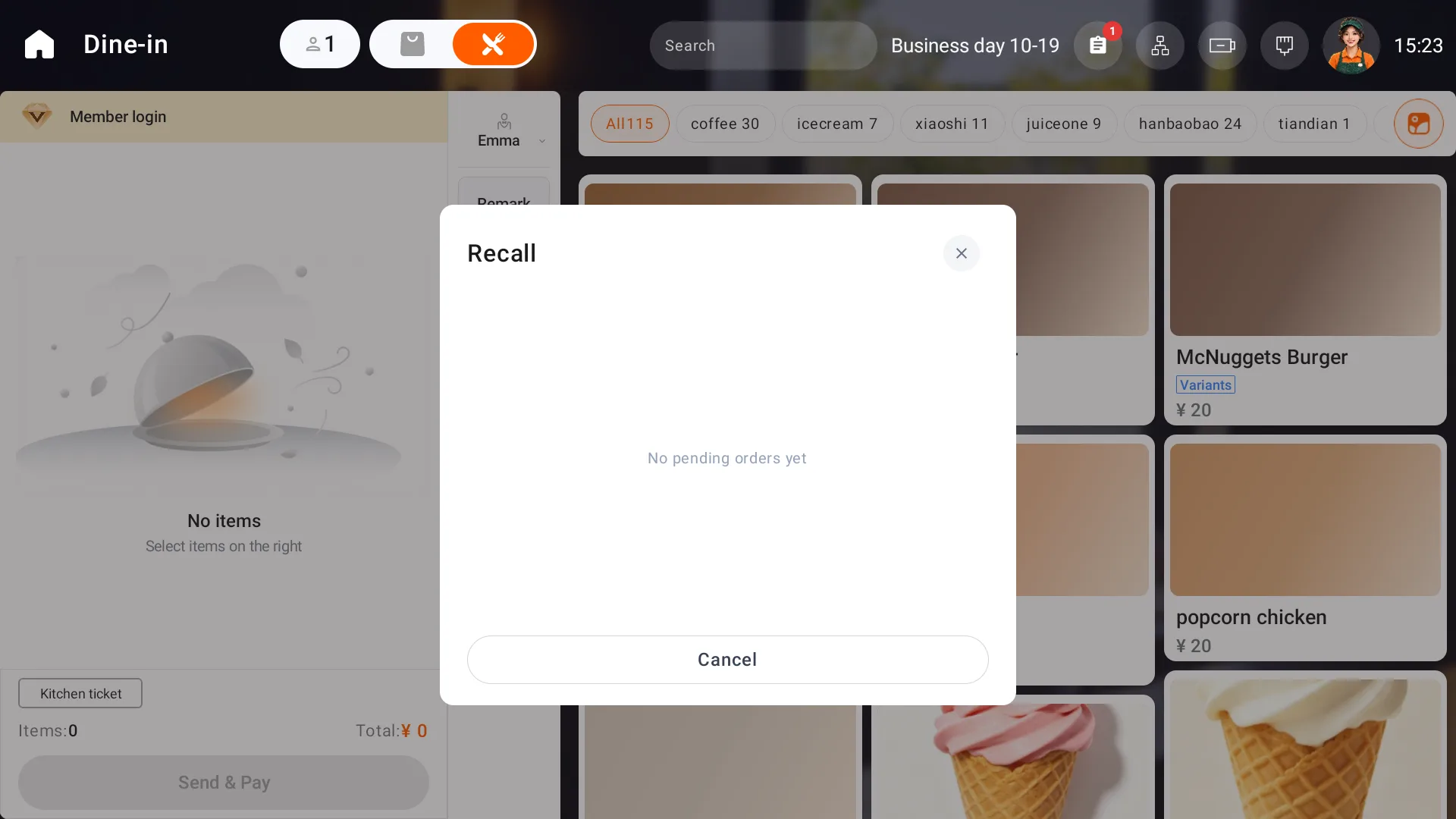
To continue later, open Quick order and use Recall. Identify the original order by its number, time, amount and item count, then select it to continue.
Cancel a quick order
Use the cancel action, select a reason as prompted, add a remark if needed and confirm the cancellation.
After retrieval, check the items, dining mode and member before checkout.
For handoff by pickup number, see Call pickup numbers from POS.