
Appearance
View incoming orders
The pending-review icon at the top opens customer orders that need attention. A new order may open a side panel automatically, showing the table, elapsed time, items, quantities, amount and approval or rejection actions.
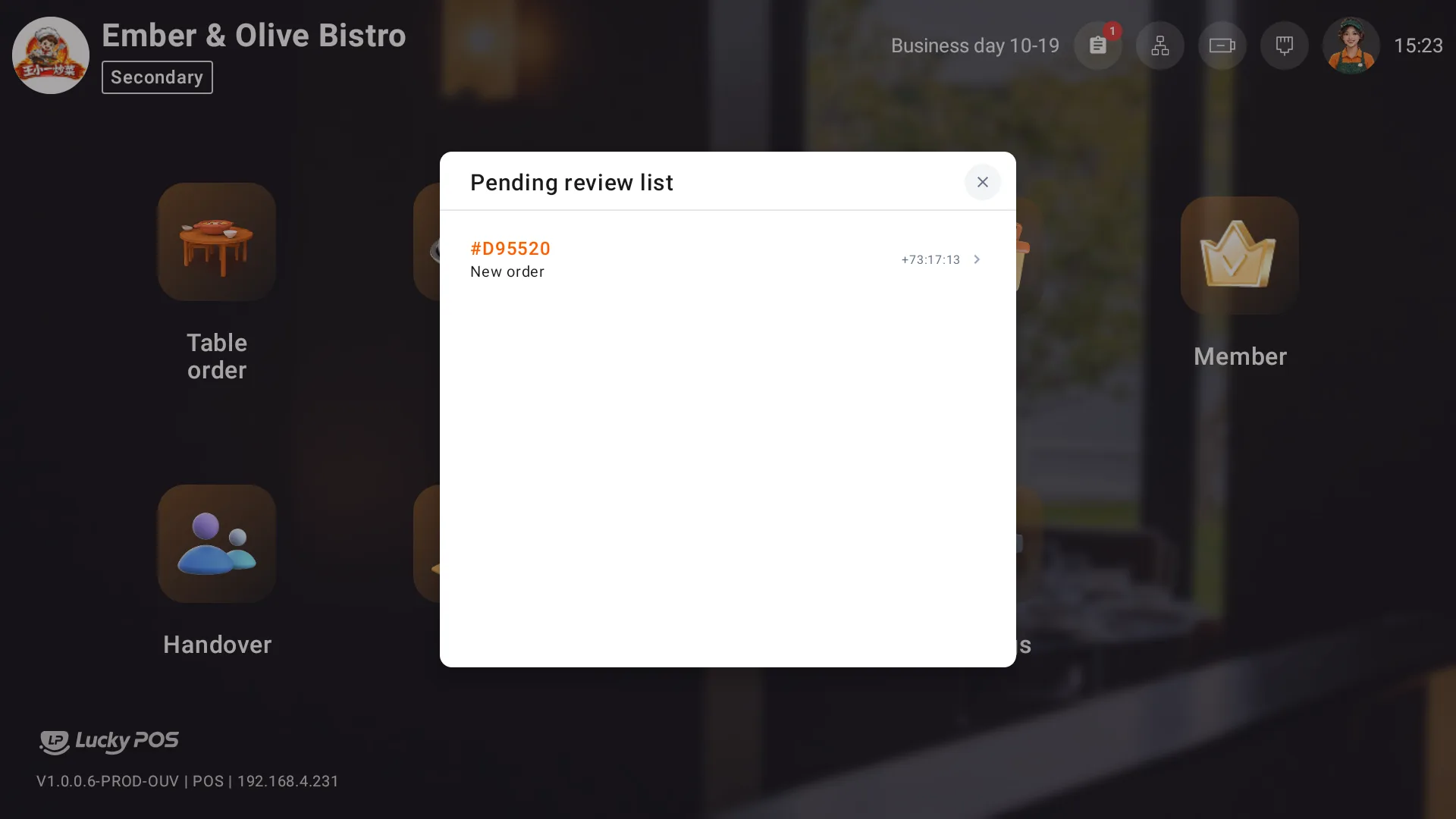
Check the source, table, items and payment status, then approve or reject according to the store's acceptance arrangements. Closing the side panel only dismisses the view.
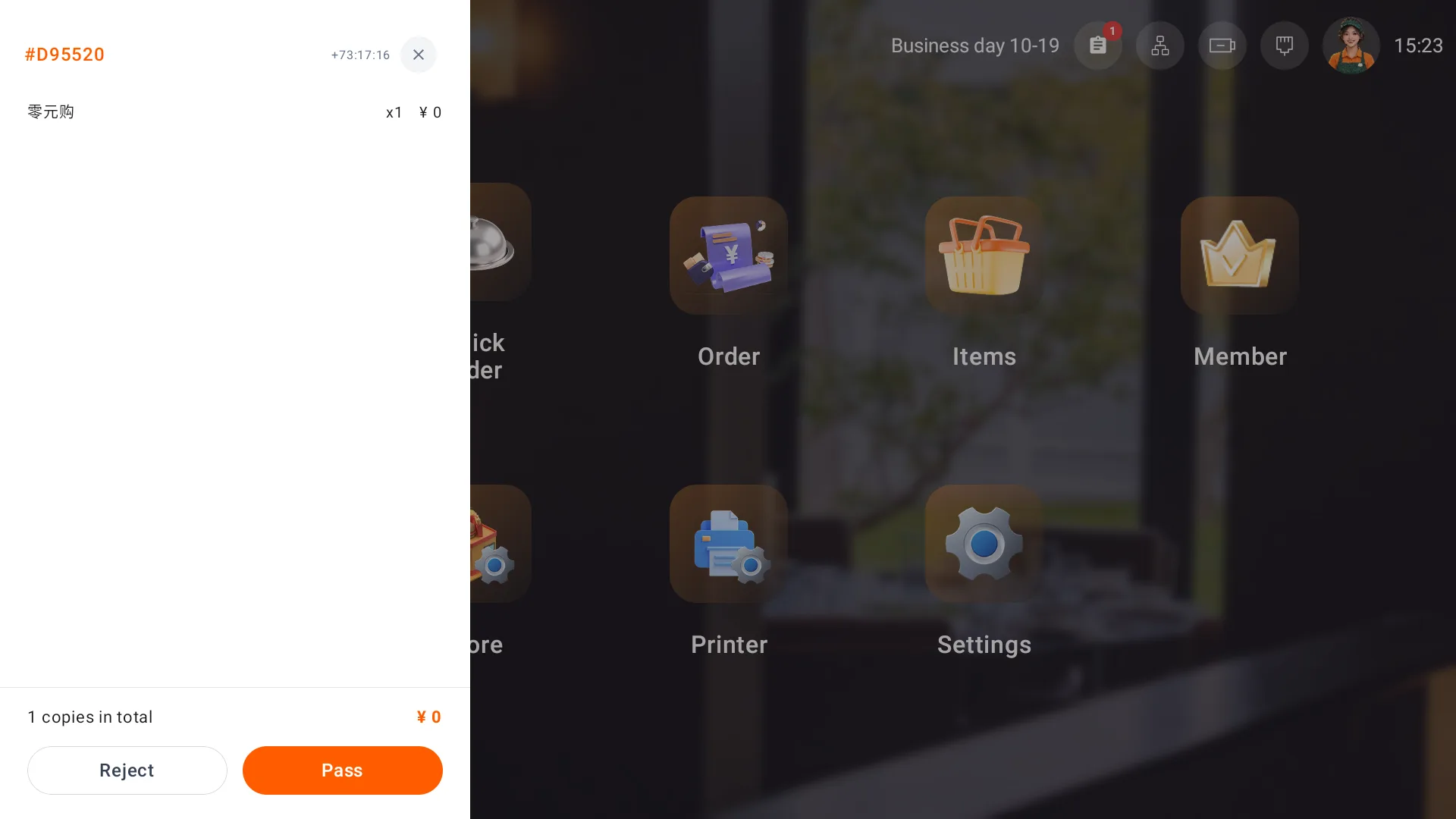
After rejecting a paid order, check the refund transaction and actual repayment.
Review accepted sources and mobile table-order areas in Business settings. To receive QR-code orders, keep the primary POS switched on and continuously connected to the internet. Keep secondary devices connected to it on the same local network.