Appearance
Detailed Guide
Sign In
- Open the URL provided by the vendor in a browser.
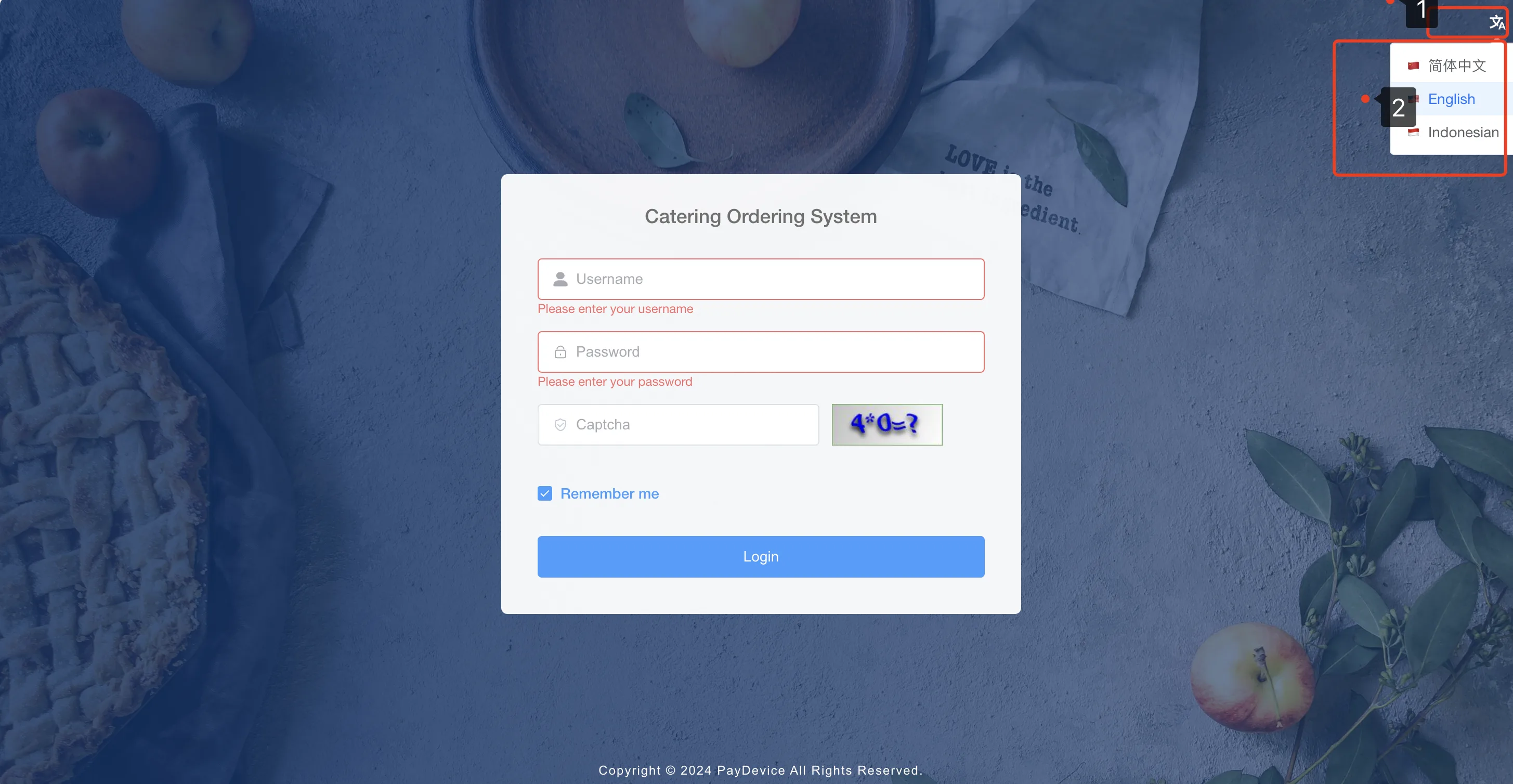
- Select the required language in the upper-right corner.
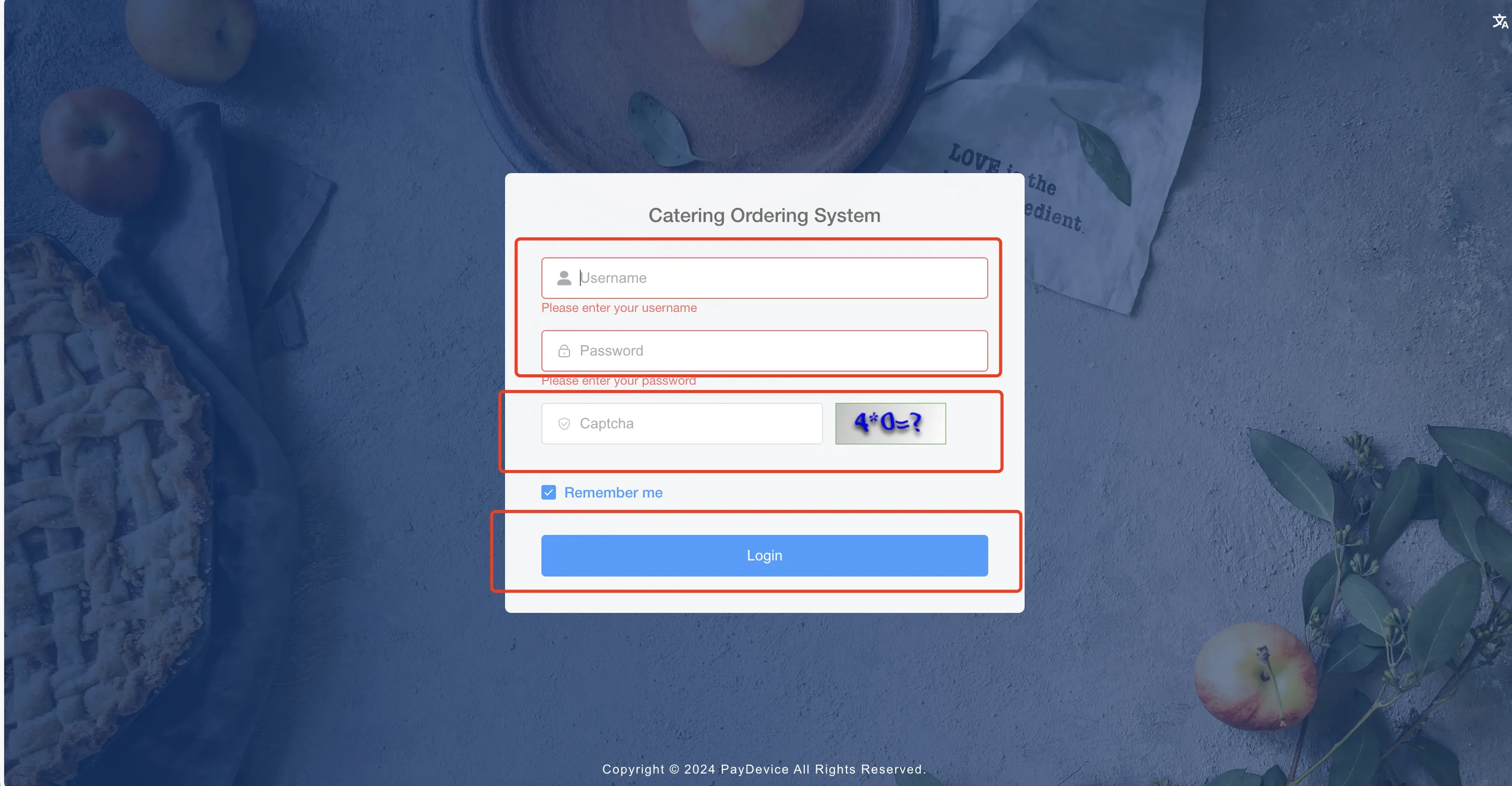
- Enter the manager account, password, and verification code, then click Log In.
- After verification succeeds, the system opens the home page.
Create a Merchant Store
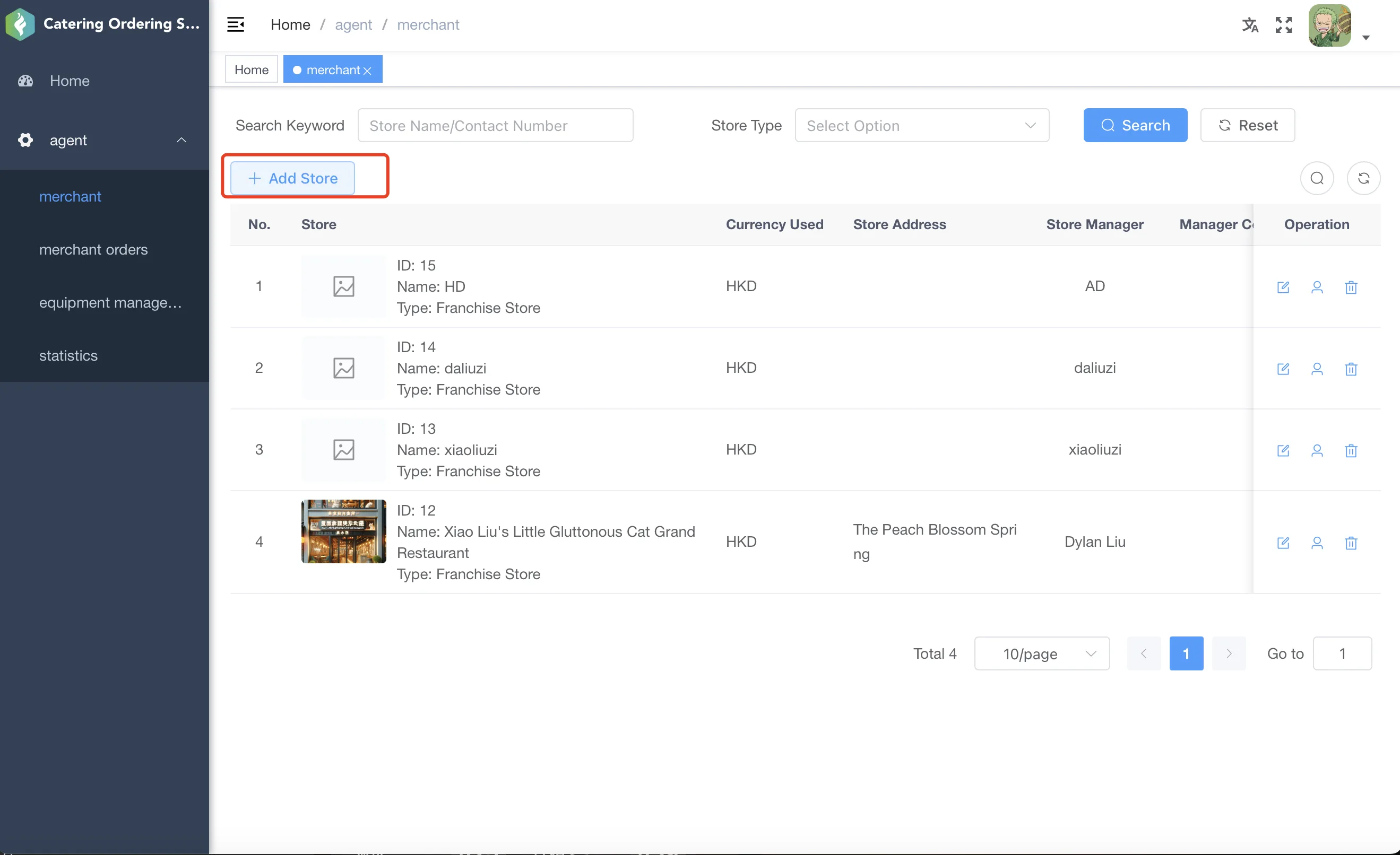
- Open the Merchant menu to enter merchant store management.
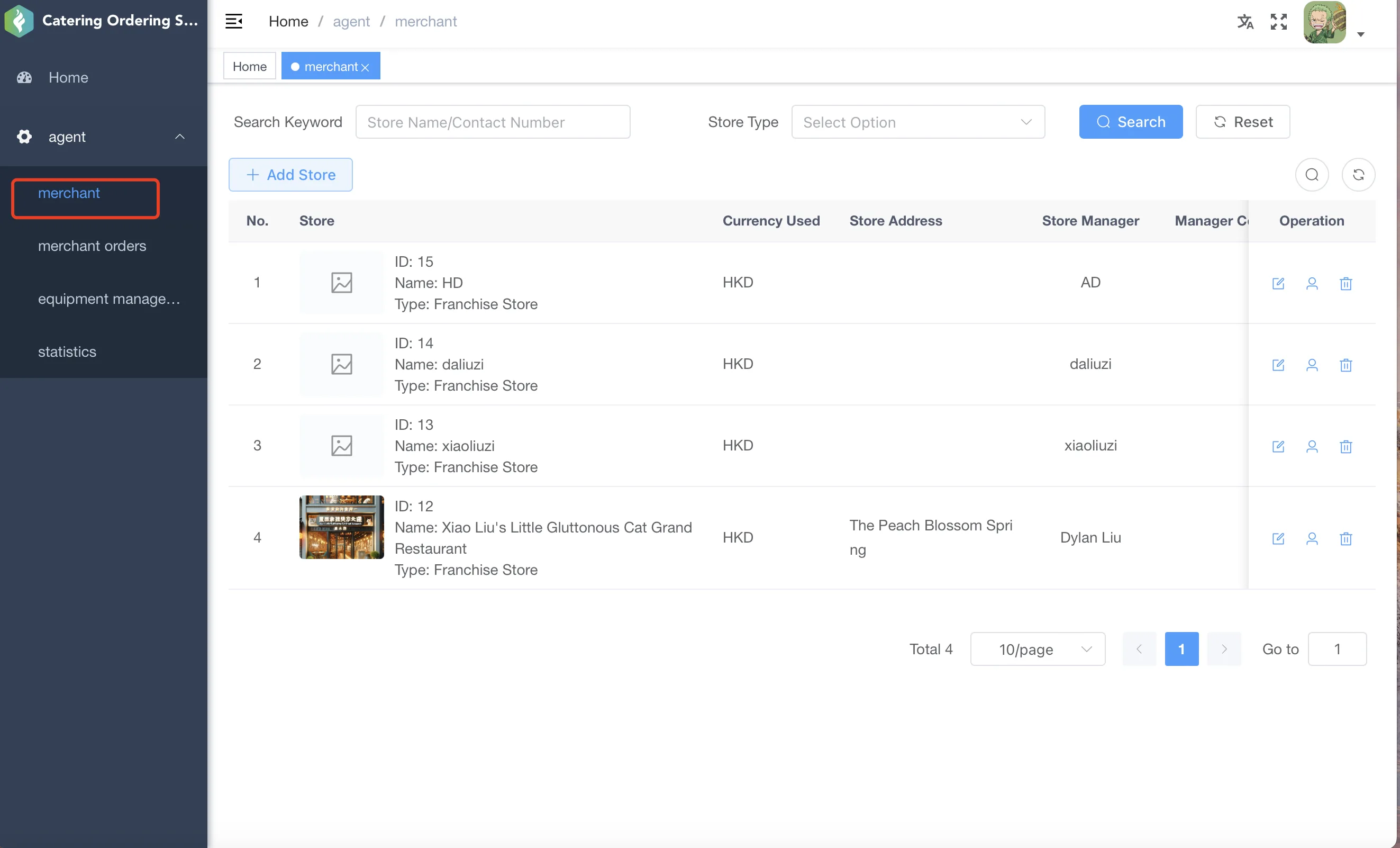
- Click Add Store in the upper-left corner of the list.
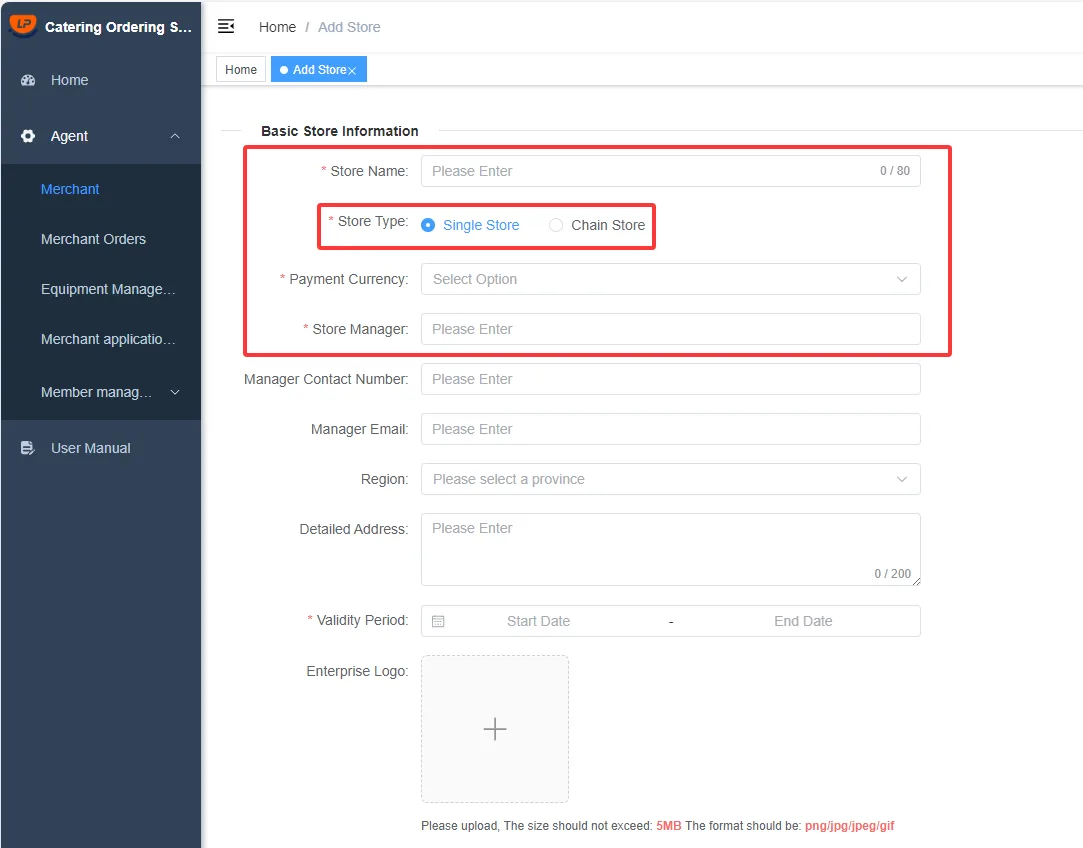
- Enter the store name, payment currency, and administrator information.
- Select the store type. A new store can be created as either a single store or a chain store.
Note
- The payment currency determines the currency used for item pricing, payment collection, and price display in that store.
- Choose the mainstream currency used in the store's region carefully.
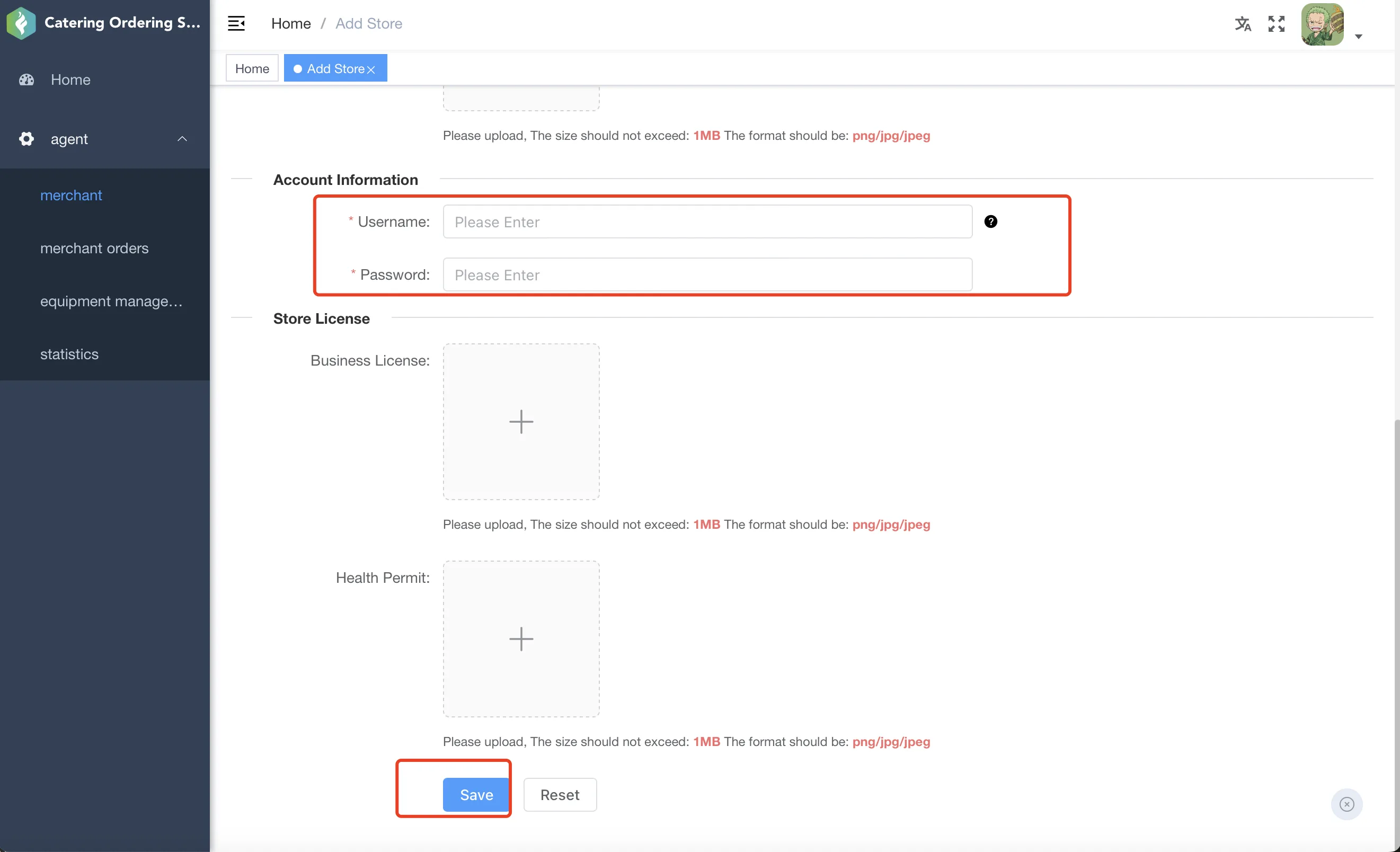
- Set the login account and password for the Store Management System, then click Save to finish creating the store.
Bind and Activate a New Device
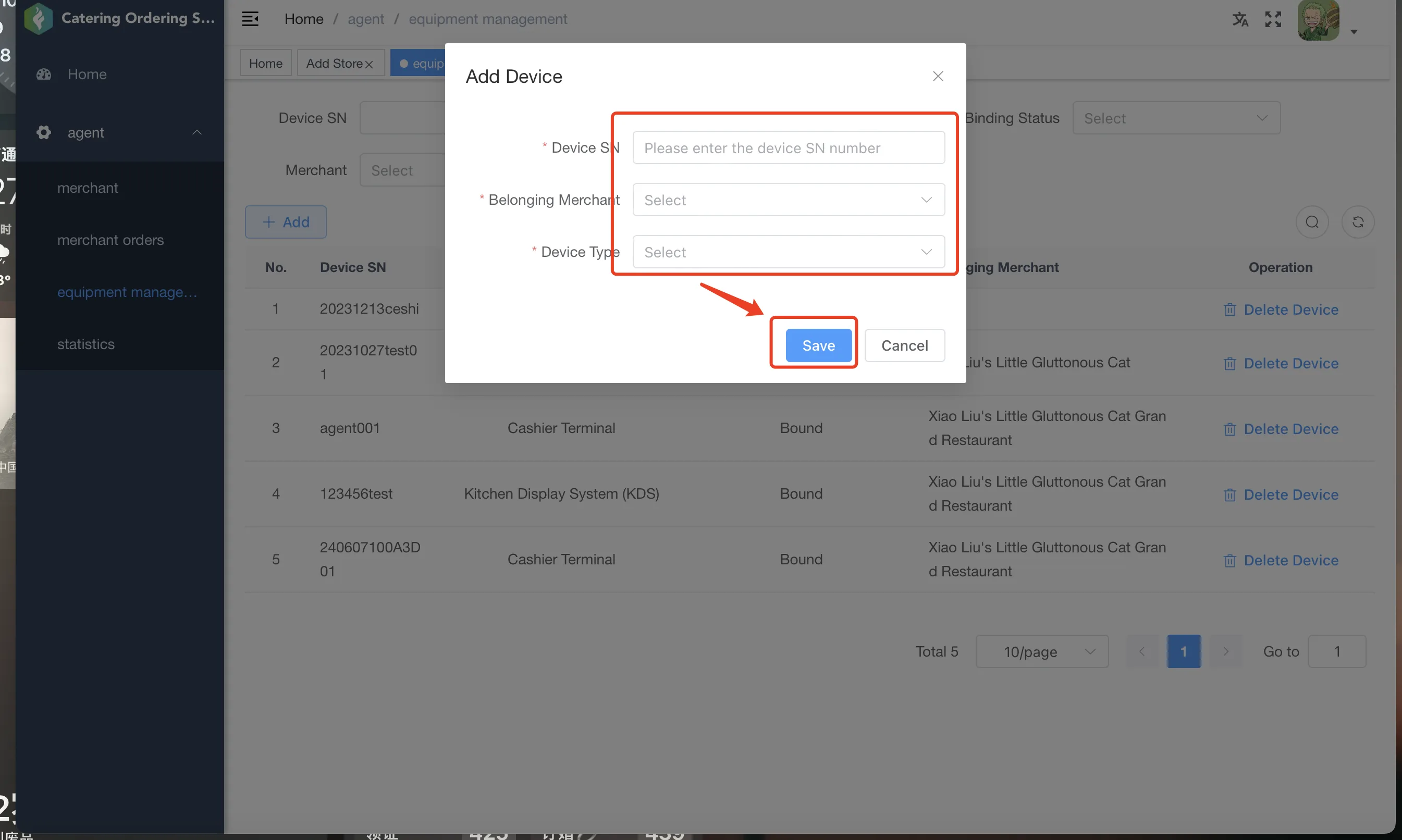
- Open the Device Management menu.
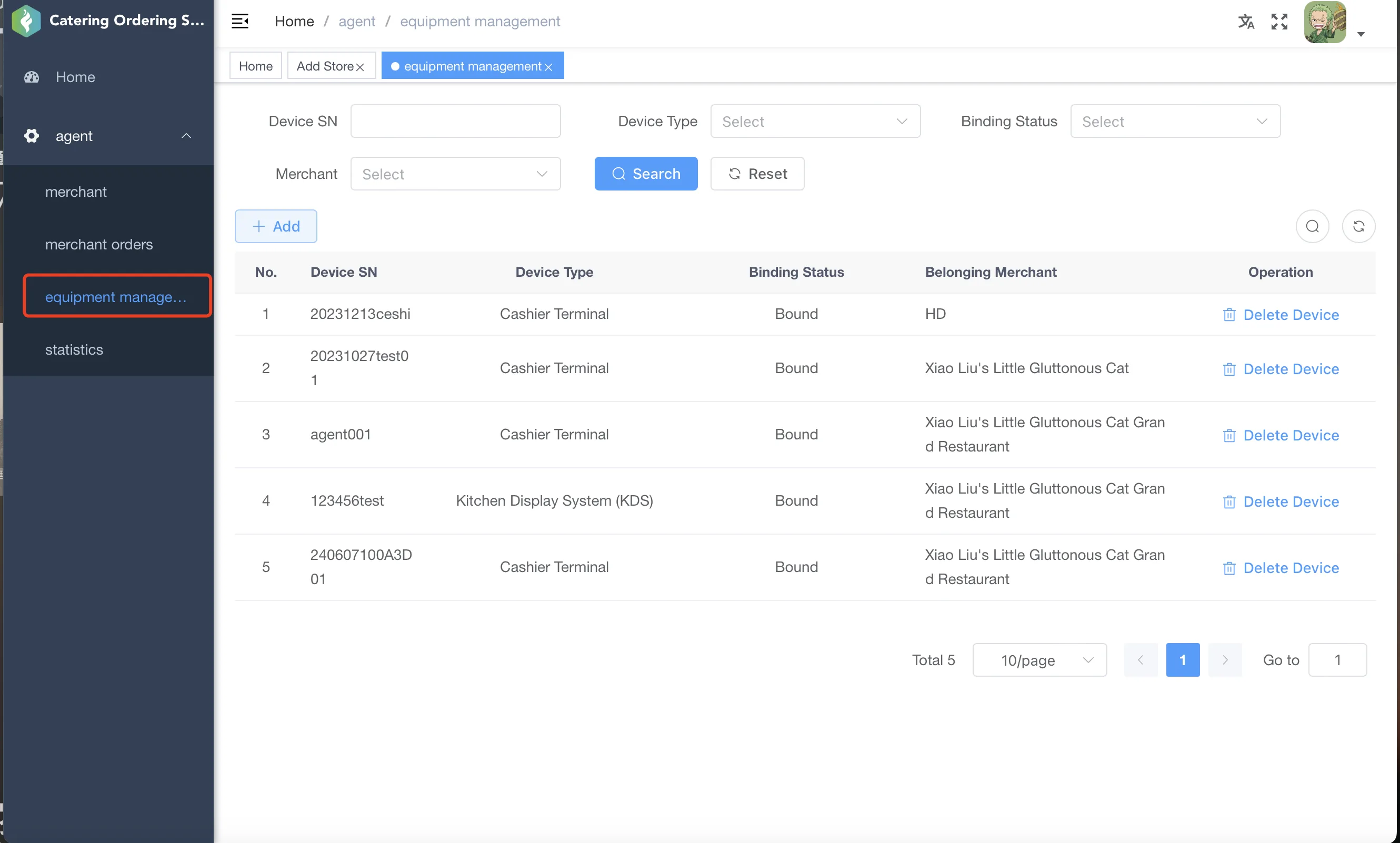
- Click Add in the upper-left corner of the list.
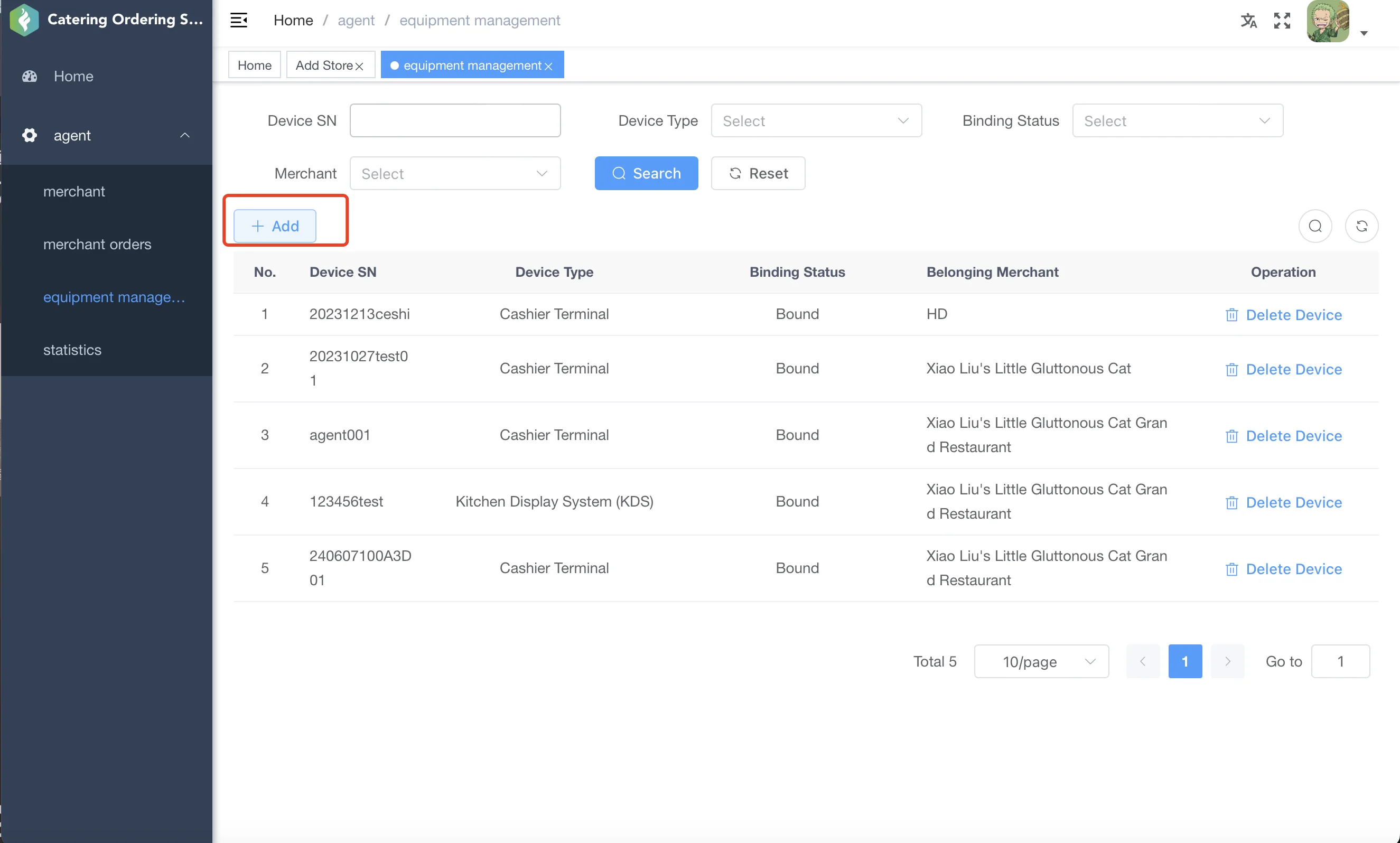
- In the dialog, enter the device SN, select the store, choose the device type, and click Save to bind and activate the device.