Appearance
FAQ
If you run into a product issue, check the answers below first.
Question 1
Question:
How do I adjust a product price?
Answer:
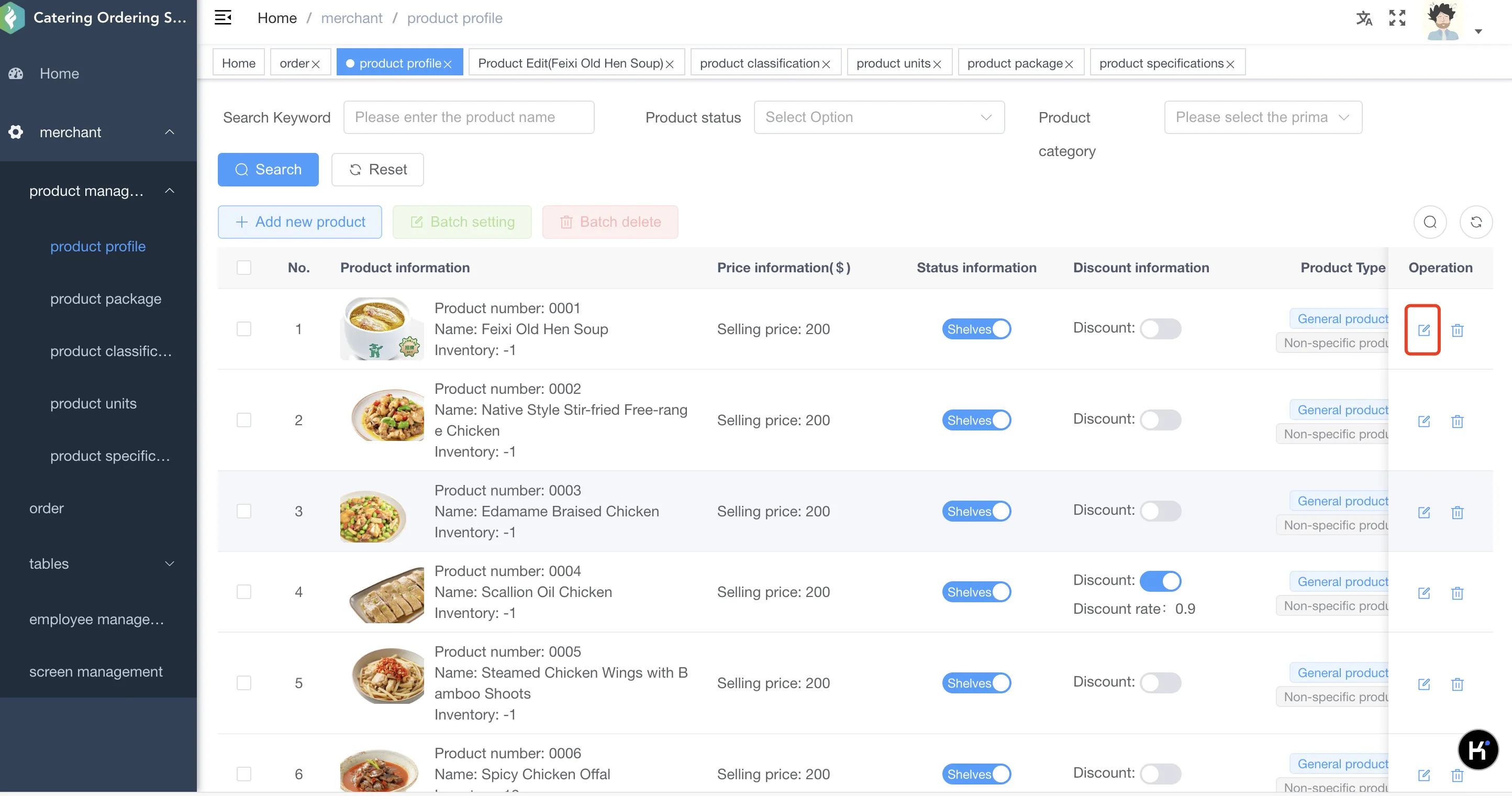
In the dish list, select the dish whose price needs to be changed. In the operation column, click the edit button, change the price on the information page, and click Save. The same method can also be used to edit other dish information.