
Appearance
Payments, Taxes & Fees
Open Operations management → Opening Settings → Cashier Settings and configure the payment methods and charges the store actually uses.
Payment methods
Open Method of settlement to configure cash, member payments or custom recording channels as needed. Ask the service provider to confirm electronic-payment availability and supply connection details. CDCP/EDC, QRIS and Tap to Pay currently depend on selected Indonesian providers. Custom channels record payments but do not initiate electronic collection.
Taxes, service charges and rounding
- Open Taxes and charges for services, decide whether item prices already include tax, then configure taxes.
- Set service charges and whether they apply to takeaway.
- Open Surcharge and check the calculation method, dining types, waiver conditions and caps.
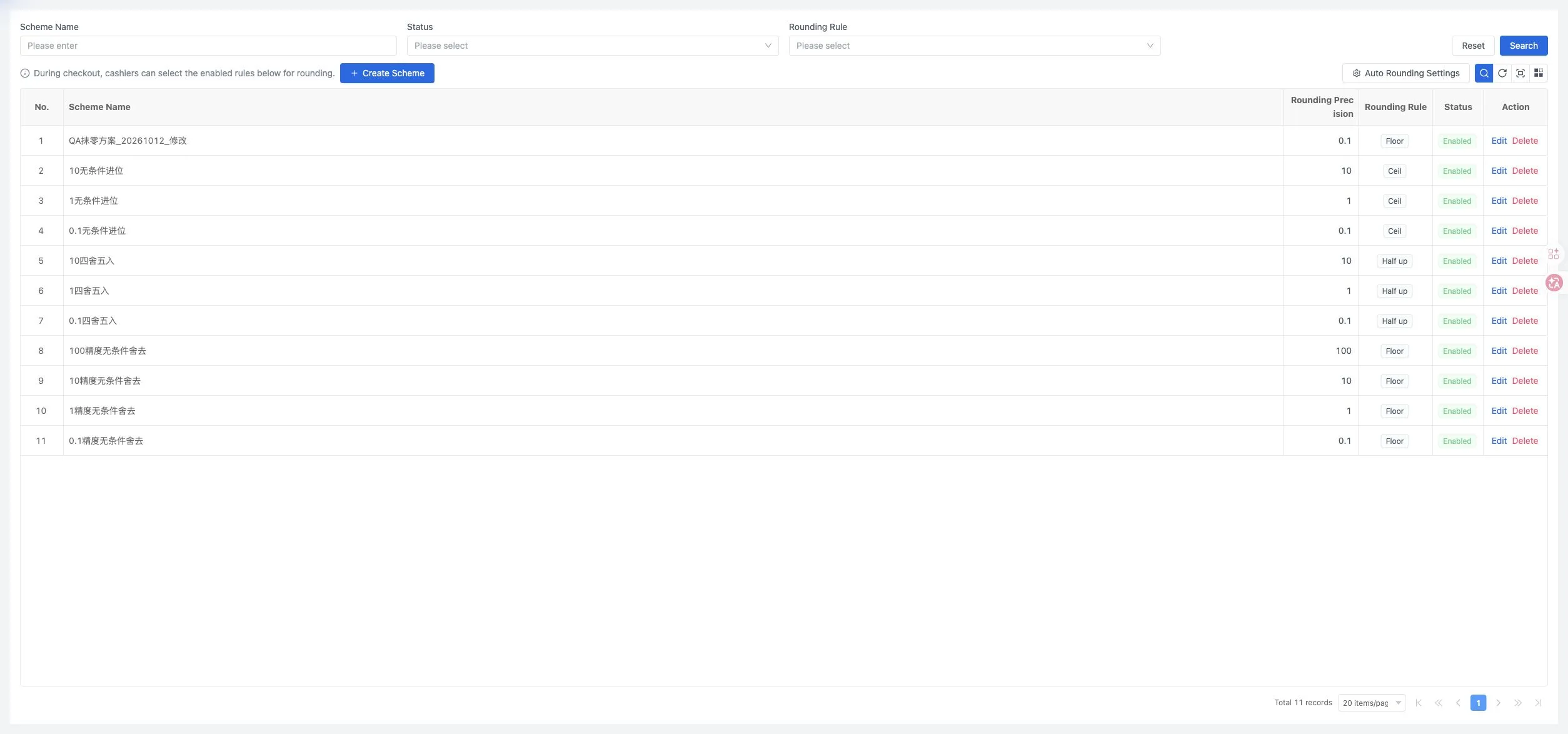
- Open Rounding Rules and create a rule if needed, then select it in Auto Rounding Settings.
Check the final bill on the terminal
After saving, check the dining modes the store uses and compare tax, service charges, extra charges, rounding and the final amount due.
See Payment methods and charges for the calculation rules and connection fields.
Dining Areas & Tables · Quick Setup Guide · Staff, POS & Devices